TL;DR: This Trainvave Guide is a comprehensive tutorial on DB Navigator App: English Guide, Seat Map, Tickets & Live Updates. Use DB Navigator in English: buy German train tickets, choose window/aisle/quiet-zone seats, view offline mobile tickets, find platforms and track delays.
Mastering the DB Navigator app for live updates and tickets.
A condensed visual summary of the most important takeaways from our DB Navigator App: English Guide, Seat Map, Tickets & Live Updates guide.
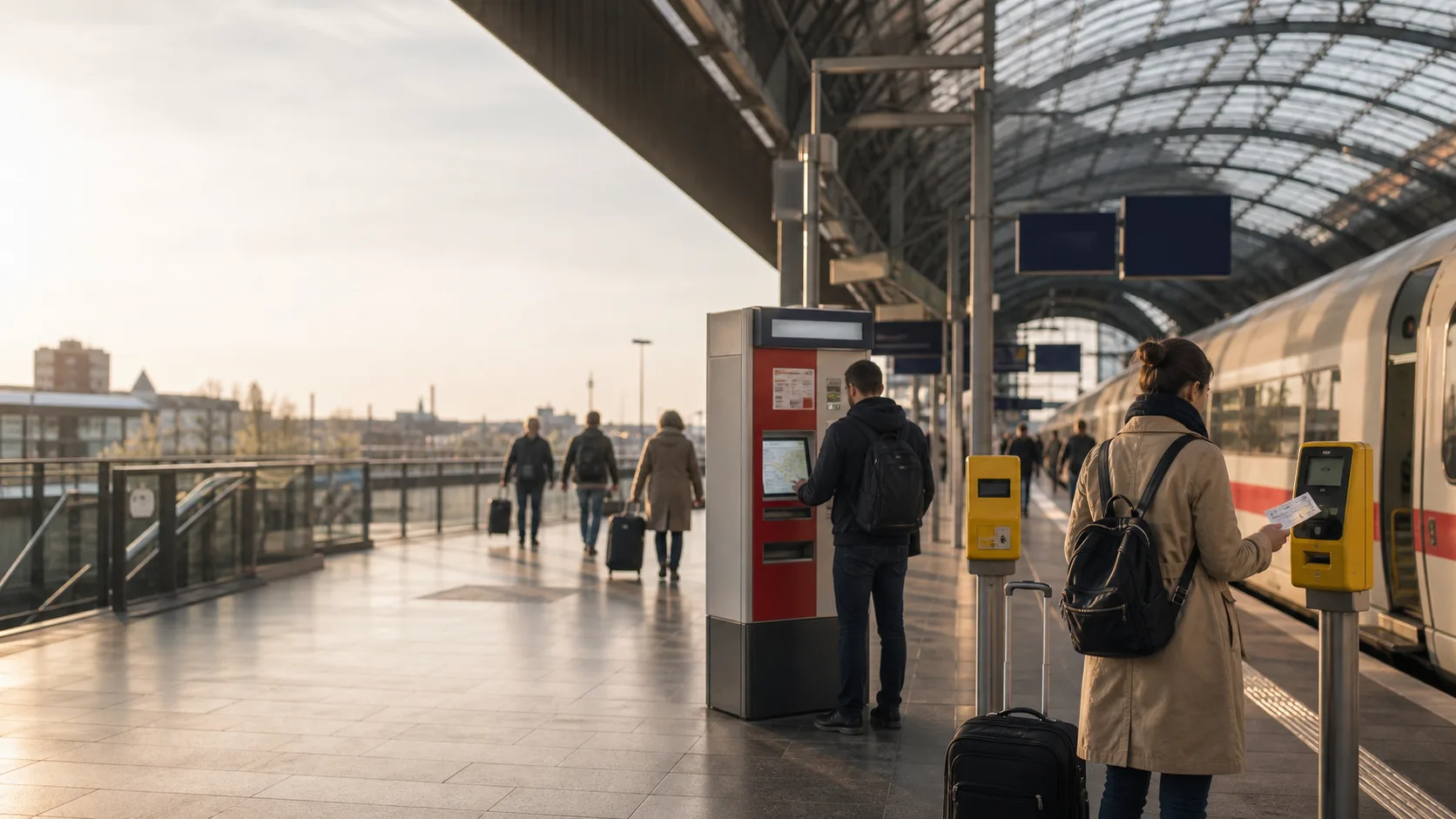
Learn how to track real-time platform changes and check your coach sequence on the go.
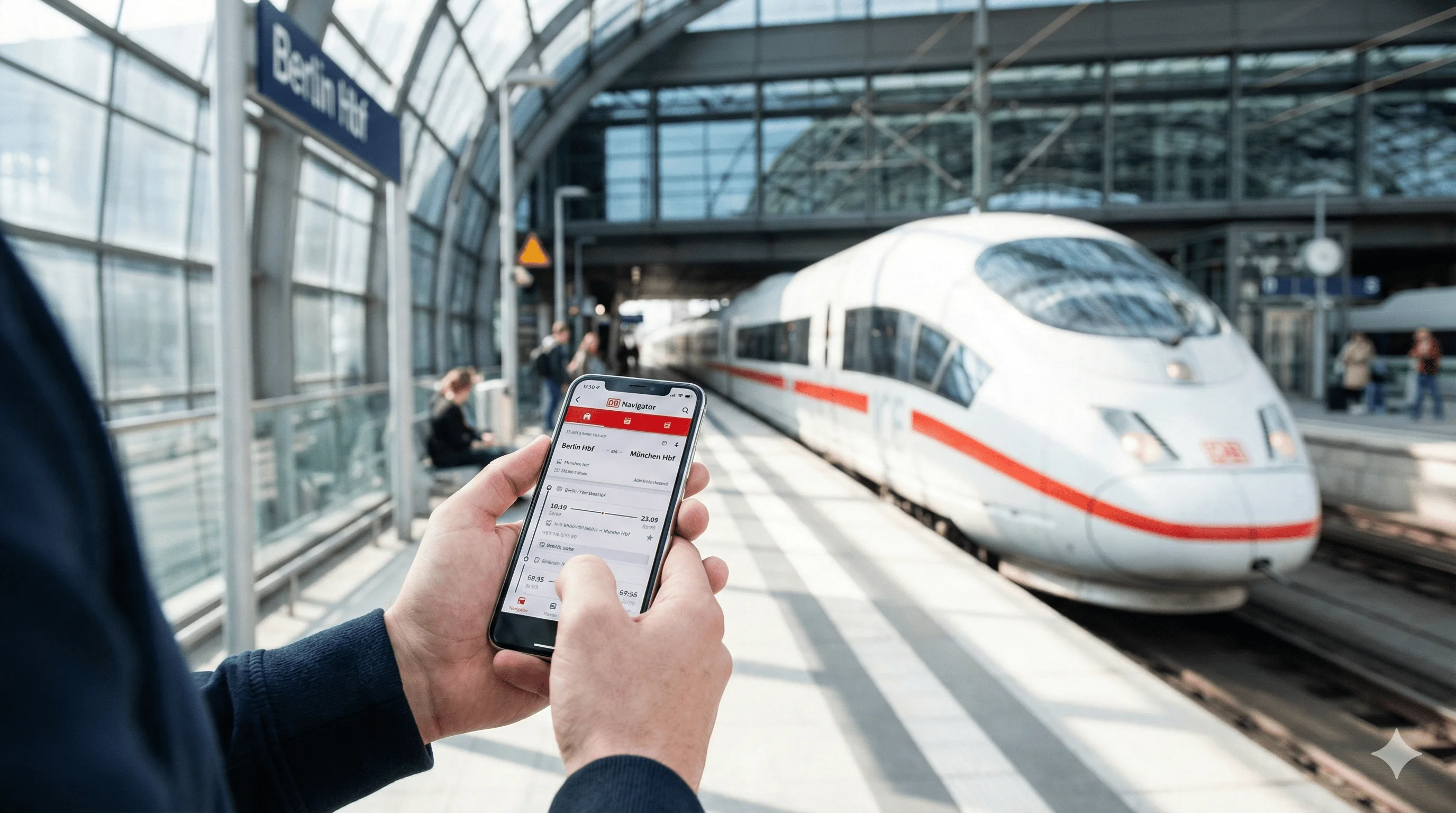
The DB Navigator app is the official app from Deutsche Bahn. It’s your best friend when traveling by train in Germany — especially if you don’t speak German. Before booking, familiarize yourself with German ticket types and learn how to validate regional tickets.
Quick Answer: Why Use It?
- Live updates: Real-time delays, platform changes, cancellations
- Buy tickets: In English, on your phone, anytime
- Find platforms: See which platform (Gleis) your train leaves from
- Choose seats: Request window, aisle, table, quiet zone, mobile phone area or family area when reservations are available
- Use tickets offline: Open your mobile ticket once, then keep it available in the app
- Navigate stations: Maps and directions within stations
- Claim compensation: If your train is delayed or cancelled
Fast Answers for Tourists
| Question | Short answer |
|---|---|
| Is DB Navigator in English? | Yes. Switch the app language to English in settings if it opens in German. |
| Do I need an account? | You can search without one, but buying and saving tickets is easier with a free account. |
| Can I choose a seat? | Yes on many ICE/IC bookings when you add a seat reservation. |
| Which seat should I pick? | Window for views, aisle for easy exits, quiet zone for work, family area when travelling with children. |
| Can I show the ticket offline? | Yes, but open it after purchase and keep your phone charged. |
| What if the train is delayed? | Use live updates, screenshots and alternative route suggestions in the app. |
Step 1: Download the App
Where to Get It
- • iOS: App Store (search “DB Navigator”)
- • Android: Google Play Store (search “DB Navigator”)
- • Free: The app itself is free; you only pay for tickets
Step 2: Set It to English
The app is available in English, which makes it much easier for tourists than the German-only website.
💡 Pro Tip
When you first open the app, it may detect your phone’s language. If it’s in German, go to Settings (Einstellungen) → Language (Sprache) → English.
Step 3: Create an Account (Optional but Recommended)
You can browse routes without an account, but you’ll need one to buy tickets. Creating an account is free and takes 2 minutes.
- Tap “Register” or “Sign Up”
- Enter your email and create a password
- Verify your email (check your inbox)
- Done! You can now buy tickets
Key Features You’ll Use
Search Routes
Enter your departure and destination cities. The app shows all available train types, prices, and journey times. You can filter by departure time, price, or duration. Planning a scenic route? Check our Rhine Valley guide.
Buy Tickets
Select your train, choose ticket type (Sparpreis or Flexpreis), and pay with credit card or PayPal. Your ticket appears in the app immediately — no need to print anything.
Choose Seats: Window, Aisle, Quiet Zone or Family Area
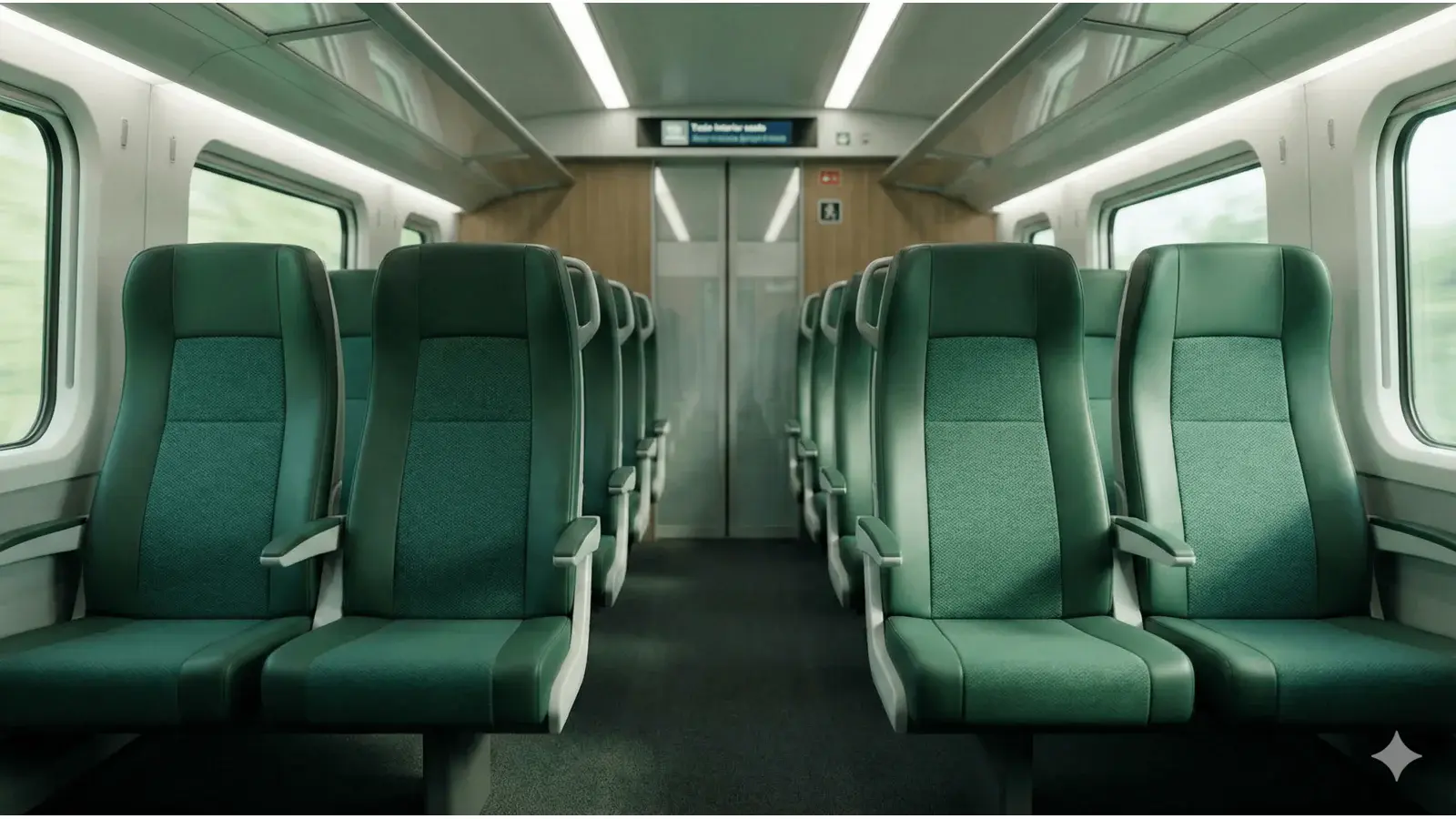
When a seat reservation is available, DB Navigator lets you request seat preferences. The exact options depend on the train, but common choices include:
- Window seat: best for views and privacy
- Aisle seat: easiest for luggage, toilets and quick exits
- Quiet zone (Ruhebereich): best for work, reading and no phone calls
- Mobile phone area (Handybereich): better if you need to call
- Family area (Familienbereich): useful when travelling with children
- Table seat: better for laptops, food or card games
Preferences are not always guarantees. If the graphical seat map is available, use it; if not, DB Navigator will try to assign the closest available match. For a deeper explanation, see seat reservations on German trains.
Self Check-in with Komfort Check-in (ICE and IC)
On long-distance ICE and IC trains you can also skip the on-board ticket inspection by activating DB Navigator’s Komfort Check-in (sometimes written Komfort-Check-in) within 30 minutes of departure. The same seat map appears, you tap any free seat, the ticket switches to a green checked-in state, and the conductor scans the phone instead of walking through the carriage. Komfort Check-in works with Sparpreis and Flexpreis tickets bought through DB Navigator or bahn.de — regional and third-party tickets are excluded. See the full DB Komfort Check-in guide for step-by-step screenshots, English button labels, and what to do if a conductor asks before you have activated it.
Check Platforms (Gleis)
The app shows which platform your train leaves from. This is especially useful at large stations where platforms can change at the last minute.
Get Live Updates
The app shows real-time delays, platform changes, and cancellations. If your train is delayed, you’ll see alternative connections automatically.
Common Tourist Questions
📱 Do I Need Internet?
You need internet to search routes and buy tickets. Once you have a ticket, you can view it offline. But for live updates and platform changes, you’ll need internet at the station.
🎫 Do I Need to Print My Ticket?
No! Digital tickets in the app are valid. Just show the ticket on your phone to the conductor. Make sure your phone is charged and the ticket is visible.
🪑 Why Is My Seat Reservation Not Showing?
First, refresh My Trips and check that you are logged into the same account used for the booking. If you bought the seat reservation separately from the ticket, it may have its own order number and email. Add it manually if it does not appear automatically.
🔋 What If My Phone Dies?
Always keep your phone charged when traveling. If your phone dies and you can’t show your ticket, you may be asked to buy a new one. Consider bringing a power bank.
DB Navigator vs. Omio
Both apps work well, but they serve slightly different purposes:
DB Navigator
- ✅ Official DB app
- ✅ Shows all DB routes
- ✅ Live updates and platform info
- ⚠️ Can be confusing for first-time users
Omio
- ✅ Very tourist-friendly (English-first)
- ✅ Compares multiple transport options
- ✅ Simple checkout process
- ⚠️ May not show all regional routes
Prefer a Simpler Booking Experience?
If you find the DB Navigator app confusing, Omio offers a simpler English-first booking experience with clear comparisons and easy checkout.
Trademark Notice: Trainvave is an independent information portal and is not affiliated with, endorsed by, or connected to Deutsche Bahn AG, ÖBB, or any other railway company. All brand names, product names, and logos mentioned (including but not limited to ICE, IC, EC, DB, Deutsche Bahn) are trademarks of their respective owners and are used here solely for informational purposes.