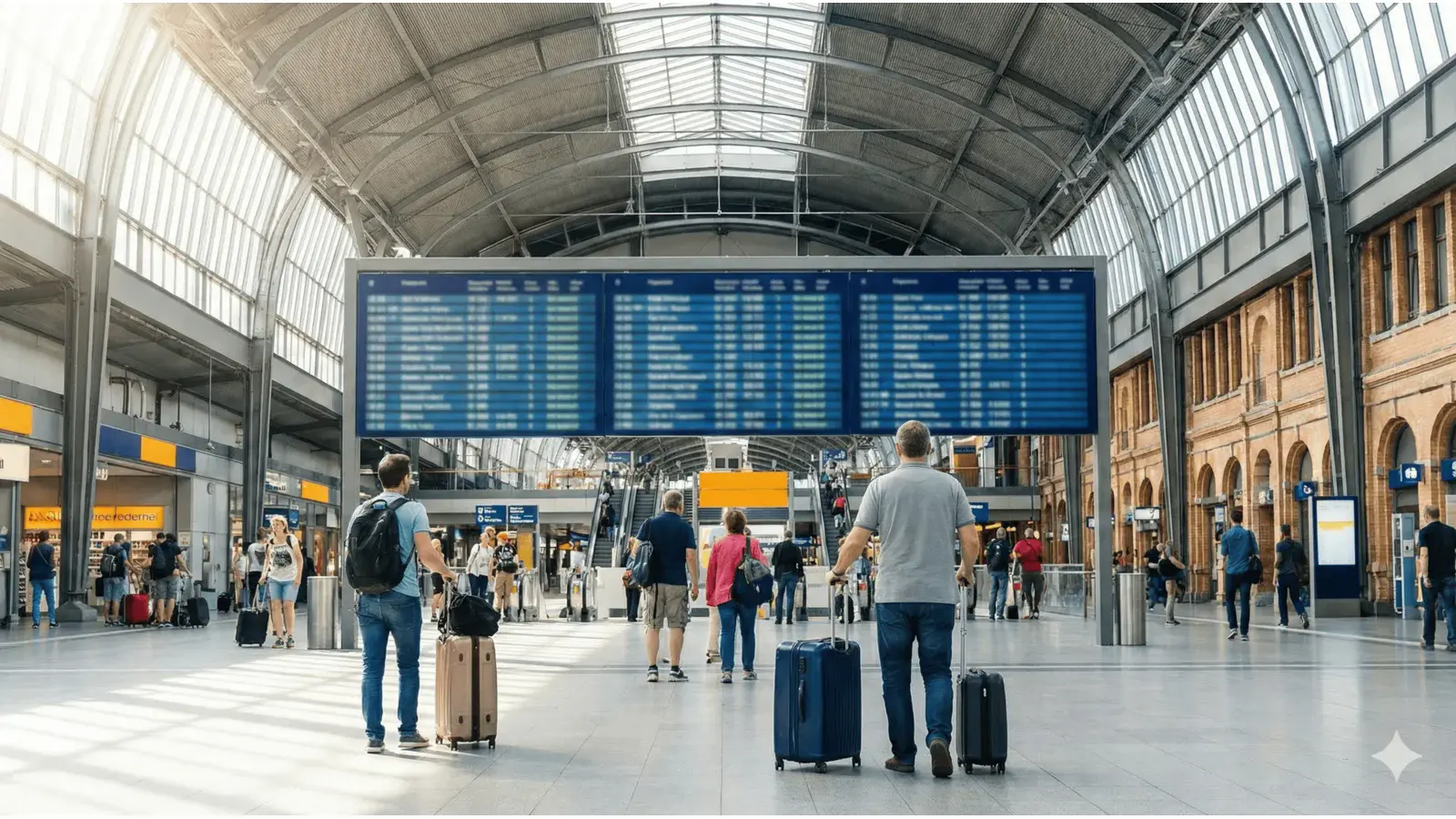
TL;DR: This Trainvave Guide is a comprehensive tutorial on Wagenreihung finden: How to Find Your ICE Carriage. Where your carriage actually stops on the platform - Wagenstandsanzeiger, the DB Navigator App, and what to do when the order is reversed (umgekehrte Wagenreihung).
Platform survival: Station navigation, boarding, and rules.
A condensed visual summary of the most important takeaways from our Wagenreihung finden: How to Find Your ICE Carriage guide.
No gates: German stations have no ticket barriers. Validating before boarding is key.
Long-distance trains in Germany - ICE, IC, EC - are long. An ICE can be up to about 400 m end to end, with twelve or more coaches, and the platform you board from is just as long. Knowing which coach stops where is the single biggest time-saver at a German railway station. The official term is Wagenreihung (“carriage order”) - the published sequence of coaches for a given service. This guide covers the three sources you can read it from, and the one classic failure mode that catches even experienced travellers: umgekehrte Wagenreihung, a reversed carriage order caused by a last-minute vehicle change.
1. The platform Wagenstandsanzeiger (the live source)
Every platform of a major German station has, next to the Abfahrt (departure) board, a poster-sized Wagenstandsanzeiger for each long-distance train departing from it. The poster shows, schematically, the whole train: coach numbers from end to end, the platform Abschnitt (section, lettered A through G, sometimes up to I) where each coach stops, the position of the Bordrestaurant / Bordbistro, and the bicycle / wheelchair / accessible-toilet positions.
This is the live Wagenreihung. When a coach is swapped at the last minute and the order changes, the poster is updated by the station staff before the train arrives - so even when the App has not yet caught up, the poster is correct.
How to read it in practice:
- Find your train on the Abfahrt board, note the Gleis (platform) and the coach you are in (from your ticket, reservation, or seat map).
- Walk to the Wagenstandsanzeiger for your train, posted next to or just below the Abfahrt board.
- Find your coach number on the poster; note the Abschnitt letter (A-G).
- Walk down the platform to that Abschnitt and stand under its marker. When the train arrives, your coach’s door will be in front of you.
The distance between two Abschnitt markers is roughly the length of two coaches - so a “B vs D” mistake is about a 50 m walk; an “A vs G” mistake is the full length of the train.
2. The DB Navigator App feature (the planned source)
On the day of travel, the DB Navigator App shows the Wagenreihung for every long-distance train (ICE, IC, EC) in Germany. The path in the App is:
- Reisen -> the booked trip of the current day
- Open Fahrtinformationen for the train
- Tap the “Wagenreihung” tab
The App shows your own coach plus the planned platform section for each carriage, including 1st / 2nd class, bicycle and wheelchair spaces, accessible toilets (+ position), and - for long-distance services - the position of the Bordrestaurant / Bordbistro. It also tells you the planned entry help (ramp / lift) for each coach.
Two caveats:
- Day-of-travel only. The App Wagenreihung works for trips on the current day. For trips on later days the App does not yet show a Wagenreihung - this is still being rolled out.
- Planned, not live. The App can lag a few minutes behind a real-world change. Treat the App as the planned Wagenreihung; the platform Wagenstandsanzeiger is the live Wagenreihung.
You can also see the Wagenreihung on bahn.de in the browser: open your booked trip, tap the train number, and choose “Wagenreihung”.
3. How the data gets there (the Echtzeit piece, briefly)
Behind the scenes, every coach in the DB long-distance fleet carries an RFID chip. Read-out devices at major nodes detect the exact coach sequence as a train passes and forward it to the customer-facing systems - the App, the platform displays, bahn.de. So the Wagenreihung you see is not a static schedule guess; for trains that have actually departed an origin node that day, it is the measured order.
That is also why it is not available for future days: there is nothing to measure yet.
4. Umgekehrte Wagenreihung - the classic gotcha
The classic mistake on German long-distance trains is the umgekehrte Wagenreihung (“reversed carriage order”): the coach numbers run in the opposite direction from what you expected. This happens when a coach is swapped at the last minute - usually because of a defect or a vehicle-availability change - and the original sequence is flipped end-to-end.
Why it catches people out:
- The App may not reflect the reversal in time. A defect is reported minutes before departure; the App data refreshes on its own cadence.
- The position of your coach on the platform is correct - it still stops at the Abschnitt the App told you. But the coach numbers to its left and right are reversed, so if you were planning to walk two coaches down to meet a friend, you would walk in the wrong direction.
How to handle it:
- Trust the Wagenstandsanzeiger on the platform and any Durchsage (announcement) over the App, in that order. The platform staff update the poster when the order changes.
- Once the train is in the platform, glance at the coach number printed next to the door. This takes two seconds and is the cheapest insurance against boarding the wrong coach with luggage.
- If you find yourself at the wrong coach, walk through the train to your coach number - doors between coaches are open on long-distance services.
5. Short checklist before you board
- Read the Wagenstandsanzeiger next to the Abfahrt board; note your coach number and the Abschnitt (A-G) where it stops.
- Walk to that Abschnitt on the platform and stand under its marker.
- Open the DB Navigator App, Reisen -> current-day trip -> Fahrtinformationen -> Wagenreihung, and cross-check that your planned coach matches the poster.
- If the App and the poster disagree, trust the poster - a last-minute swap is the usual cause.
- When the train arrives, glance at the coach number next to the door before stepping on. Two seconds, big payoff.
6. If you board the wrong coach
It is not a disaster. On long-distance ICE / IC / EC services, doors between coaches are open, so you can walk through to your coach number. The conductor does not care which coach you board from, only that your ticket is valid. The only cost is a few minutes’ walk through a moving train with luggage - avoidable next time by checking the Wagenstandsanzeiger first.
Video and image assets
A short walkthrough video (~60 s) showing the Wagenstandsanzeiger on the platform, the DB Navigator App tab, and the section-marker positions would carry most of the weight of this guide for the snippet and video-SERP results. Until that asset exists, the screenshots referenced above are placeholders for the operator / research lane to fill.
Step-by-Step Instructions
Read the Wagenstandsanzeiger next to the departure board
On the platform, find the Wagenstandsanzeiger (the poster-sized coach-position display next to the Abfahrt board). It shows, for your train, which coach stops in which Abschnitt (section A through G). Match the coach number on the poster to your coach number on the ticket or reservation.
Stand in the correct Abschnitt for your coach
Move to the Abschnitt (A-G) shown for your coach on the Wagenstandsanzeiger. An ICE is up to about 400 m long, so the difference between Abschnitt A and Abschnitt F is a long walk. Standing in the right section means you board next to your door instead of running along the platform.
Open the Wagenreihung in the DB Navigator App
On the day of travel, open the DB Navigator App: tap Reisen -> your booked trip of the current day -> Fahrtinformationen of the train -> the "Wagenreihung" tab. The App shows your own coach plus the planned platform section for each carriage, with class, bicycle / wheelchair spaces, toilets, and Bordrestaurant / Bordbistro position for long-distance services.
Cross-check the App against the platform display
Treat the App as the planned Wagenreihung and the platform Wagenstandsanzeiger as the live Wagenreihung. If the two disagree (a last-minute swap happened), trust the platform display and any station announcement - the App can lag a few minutes when the order changes shortly before departure.
Watch for umgekehrte Wagenreihung (reversed carriage order)
A umgekehrte Wagenreihung means the coach numbers run in the opposite direction from what you expected - usually because of a last-minute vehicle change. The App may not show it in time; the Wagenstandsanzeiger and any Durchsage (announcement) are the reliable live source. When in doubt, walk a few coaches in either direction to confirm your coach number on the side of the train before boarding.
Verify on the side of the train before stepping on
Once the train is in the platform, glance at the coach number printed next to the door and confirm it matches your ticket or reservation. This last check takes two seconds and is the cheapest insurance against walking the full length of a crowded ICE with luggage.
Trademark Notice: Trainvave is an independent information portal and is not affiliated with, endorsed by, or connected to Deutsche Bahn AG, ÖBB, or any other railway company. All brand names, product names, and logos mentioned (including but not limited to ICE, IC, EC, DB, Deutsche Bahn) are trademarks of their respective owners and are used here solely for informational purposes.