TL;DR: This Trainvave Guide is a comprehensive tutorial on How to Read German Train Timetables: Complete Guide. Master German train timetables! Read schedules, find connections, plan routes. DB Navigator tips included. Never miss a train again.
Key decisions and step-by-step logic for How to Read German Train Timetables: Complete Guide.
A condensed visual summary of the most important takeaways from our How to Read German Train Timetables: Complete Guide guide.
Practical rules and checklists to help you navigate How to Read German Train Timetables: Complete Guide without confusion.
Live now → Today’s German rail status (delays & cancellations on popular routes, updated daily)
German train stations can feel overwhelming, especially when you’re staring at a departure board full of German words and numbers. Use the DB Navigator app for real-time information in English, and learn to navigate train stations like a pro. But once you understand the basics, reading timetables becomes simple.
Quick Answer: The Essential Terms
- • Abfahrt = Departure (when the train leaves)
- • Ankunft = Arrival (when the train arrives)
- • Gleis = Platform (the track number)
- • Verspätung = Delay (how many minutes late)
- • Ausfall = Cancellation
Understanding the Departure Board
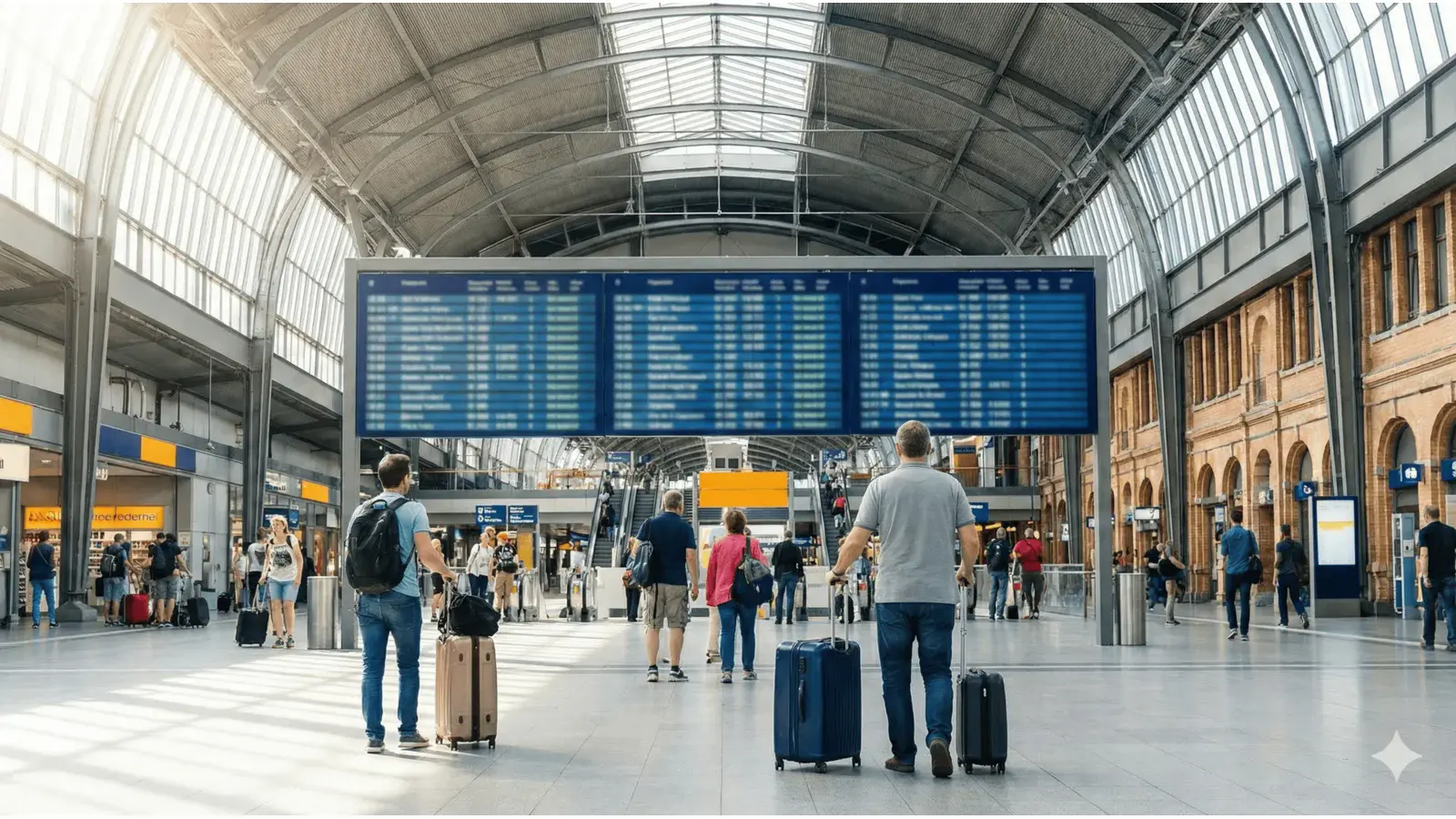
The departure board (Abfahrtstafel) shows all trains leaving from your station. Here’s what each column means:
Typical Departure Board Layout
| Time | Destination | Train Type | Platform | Status |
|---|---|---|---|---|
| 14:30 | München Hbf | ICE 123 | Gleis 5 | — |
| 14:45 | Hamburg Hbf | IC 456 | Gleis 3 | +5 min |
| 15:00 | Köln Hbf | RE 789 | — | Ausfall |
Step-by-Step: Finding Your Train
Find Your Destination
Look for your destination city on the board. German stations often use abbreviations:
- • Hbf = Hauptbahnhof (main station)
- • München = Munich
- • Köln = Cologne
- • Frankfurt = Frankfurt (Main)
Check the Time
German timetables use 24-hour format (14:30 = 2:30 PM). Make sure you’re looking at the departure time (Abfahrt), not the arrival time (Ankunft).
Find Your Platform (Gleis)
The platform number is shown as “Gleis 5” or just “5”. Follow the signs at the station to find your platform. Platforms are usually numbered and clearly marked.
⚠️ Important: Platform numbers can change! Always check the board again before boarding.
Check for Delays or Cancellations
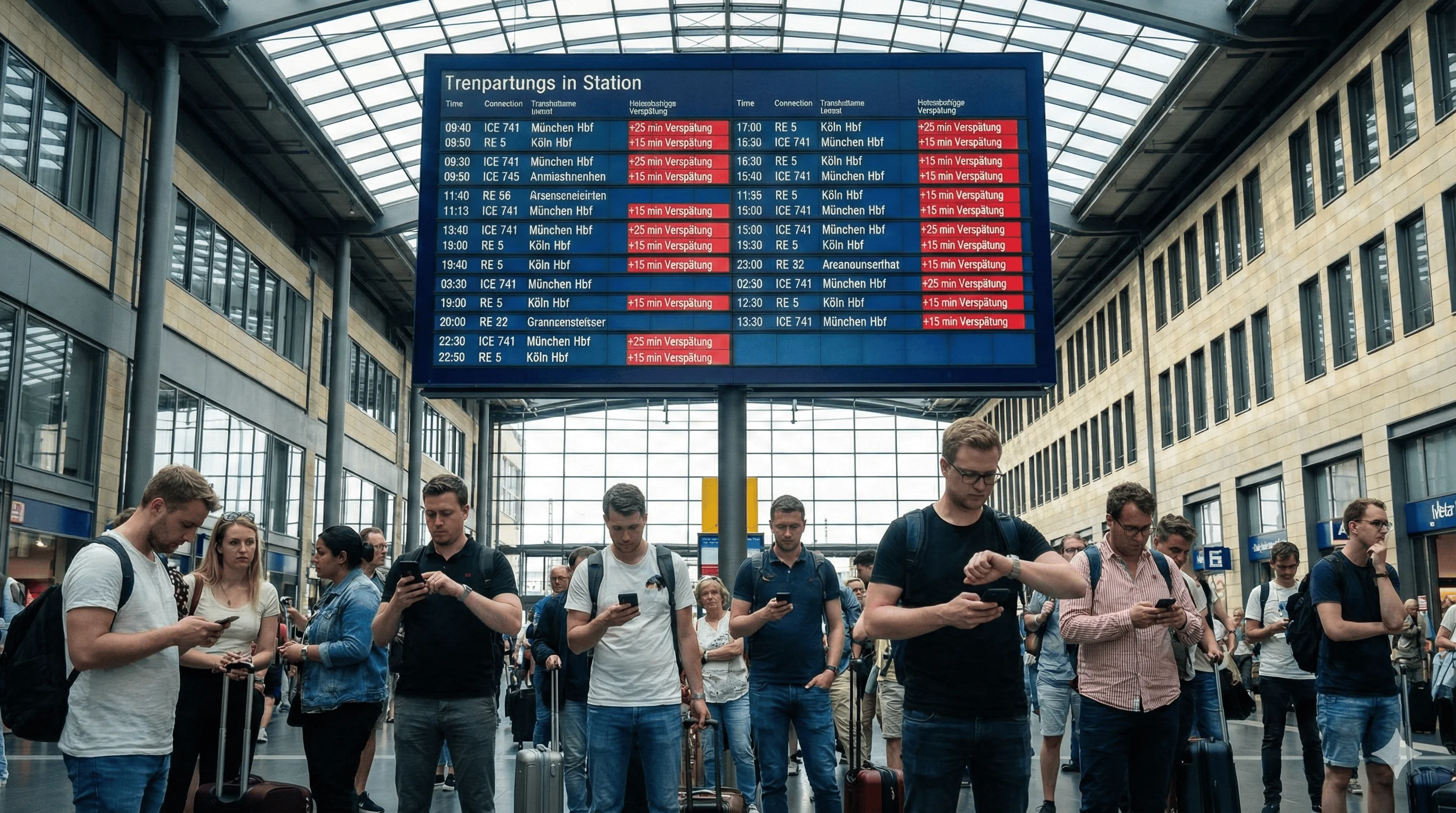
Look for Verspätung (delay) or Ausfall (cancellation). If you see “+5” or “+10”, your train is that many minutes late. If you see “Ausfall”, your train is cancelled - look for alternatives.
Common Abbreviations
- • Hbf = Hauptbahnhof (main station)
- • Flughafen = Airport
- • Ost = East
- • West = West
- • Süd = South
- • Nord = North
- • ZOB = Zentraler Omnibusbahnhof (central bus station)
Pro Tips
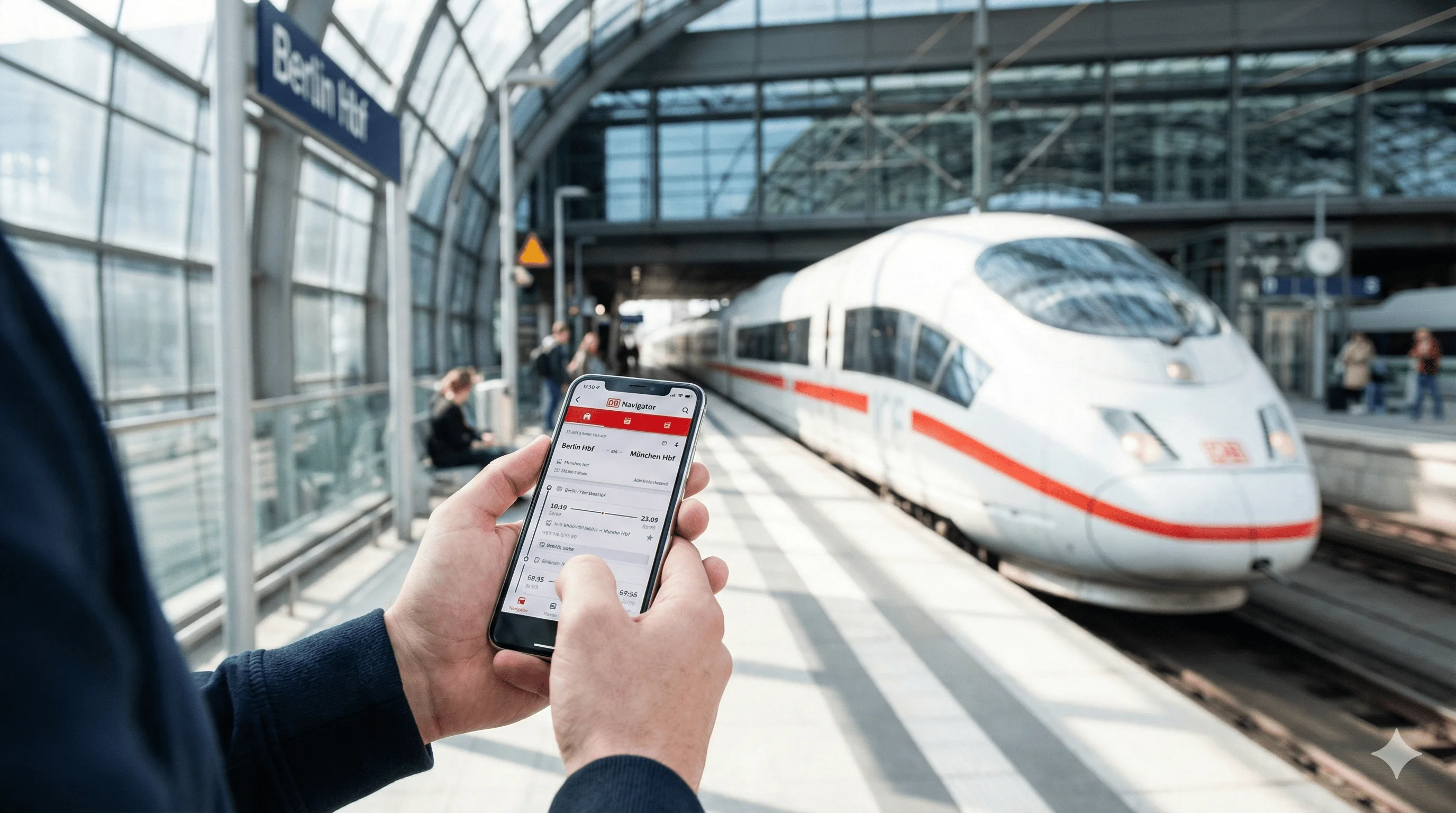
- • Use the DB Navigator app - it shows real-time updates and platform changes
- • Check the board again - platform numbers can change at the last minute
- • Arrive early - especially at large stations, finding your platform can take time
- • Ask for help - station staff (usually in red/blue uniforms) can help you find your train
Book Your Journey Easily
Use Omio to find and book your train. The app shows clear timetables, platforms, and real-time updates in English.
Trademark Notice: Trainvave is an independent information portal and is not affiliated with, endorsed by, or connected to Deutsche Bahn AG, ÖBB, or any other railway company. All brand names, product names, and logos mentioned (including but not limited to ICE, IC, EC, DB, Deutsche Bahn) are trademarks of their respective owners and are used here solely for informational purposes.